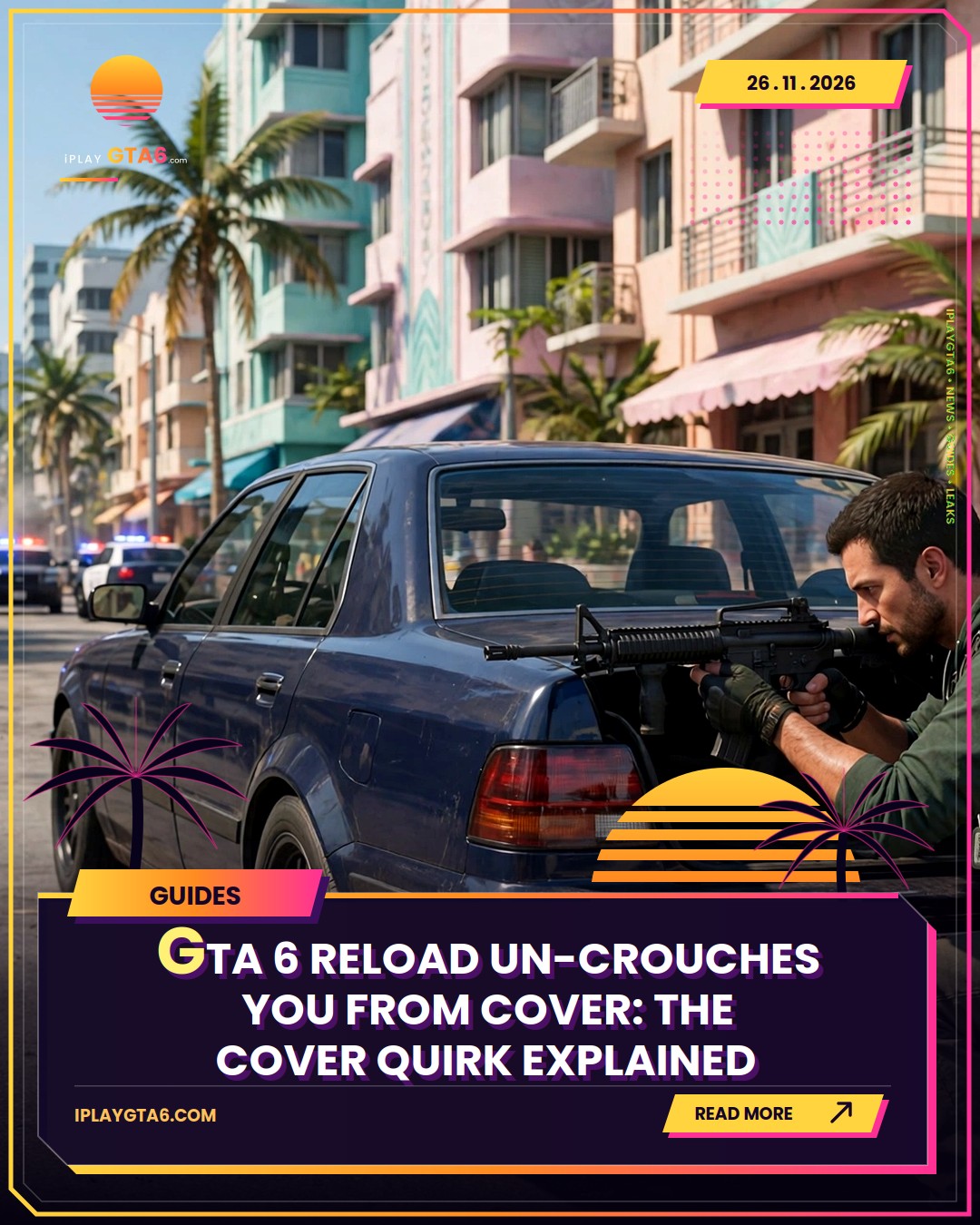
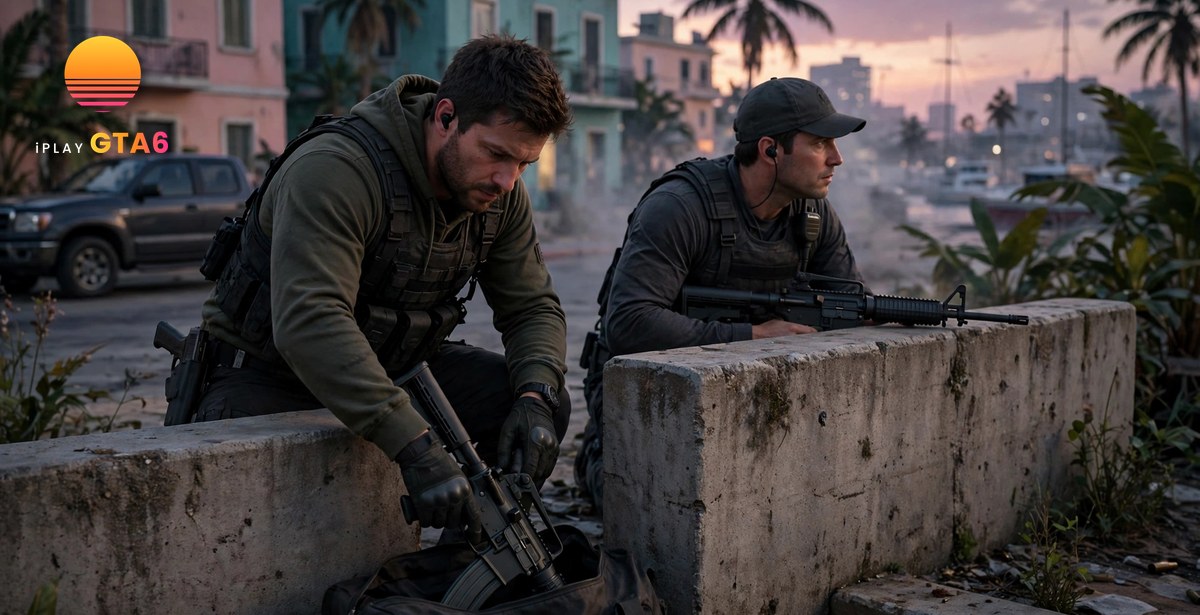
You are tucked behind a car, the patrol is closing in, and your magazine is empty. You hit reload. Instead of staying low, Jason stands straight up, chest high over the roof, in full view of everyone shooting at you. That is the cover quirk: in GTA 6, reloading can pop you out of your crouch, and the half-second it costs is usually the half-second that kills you.
Players have been tripping over it since launch, and it is not a bug you can patch away — it is how the buttons overlap. Once you know which press causes it, the fix is a habit, not a setting.
The Buttons Behind the Quirk
Three buttons share this fight, and two of them do double duty:
| Action | PS5 | Xbox Series X|S |
|---|---|---|
| Take or leave cover | R1 | RB |
| Peek out and aim | Hold L2 | Hold LT |
| Shoot | R2 | RT |
| Crouch | Circle | B |
| Reload | Square | X |
| Quick weapon swap | Triangle | Y |
Cover and crouch are separate moves. Pressing R1 next to something solid tucks you behind it — walk up to a wall or a car and press it, and your character moves up to the cover and crouches down. Circle crouches anywhere, with no wall needed. Reload is the odd one out: it is a context action on Square or X, sharing the button with melee, and it does not appear on the Control Scheme screen at all. Our controls guide lists every button for PS5 and Xbox, including the ones the game never prints.
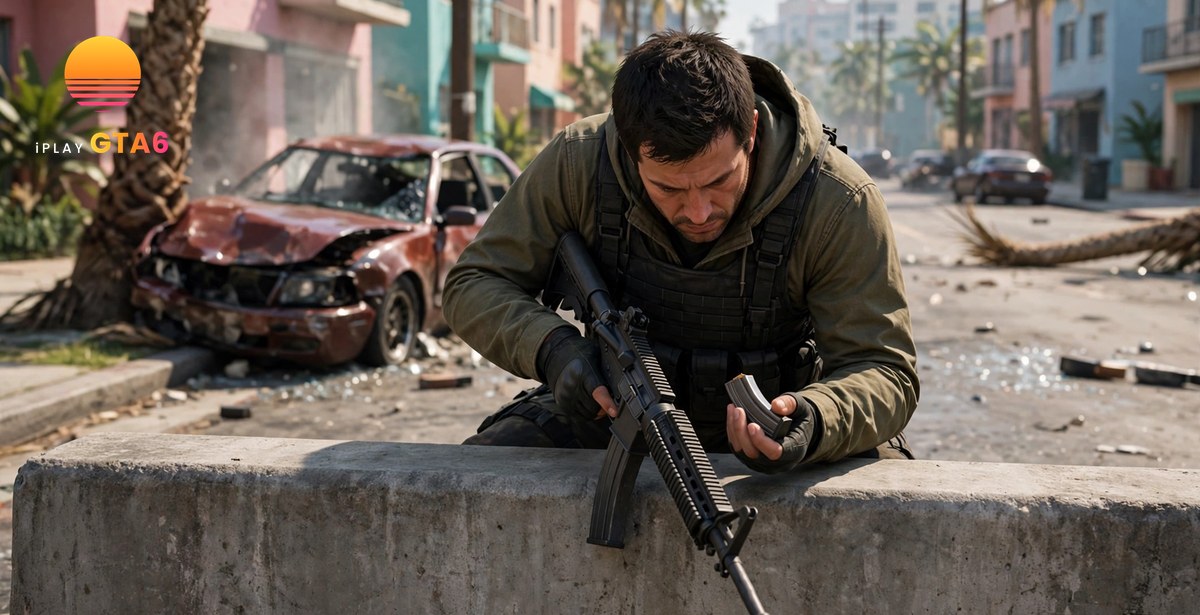
Here is where it goes wrong. When you are peeking — holding L2, leaned out of cover — and you press Square to reload, the game reads the reload as a fresh action and stands your character up out of the crouch to perform it. The animation plays at full height, over the top of the cover you were hiding behind, while the enemy is still aiming at the spot you just left. Our combat guide covers the cover system in full, and the golden rule there is the same one that saves you here: never reload in the open, and never reload while you are still leaned out.
The Safe Reload, Step by Step
- Let go of L2 first. Release aim and drop back behind cover completely. Your character ducks down on their own the moment you stop peeking. Do not reload until you are fully down.
- Reload while ducked. Press Square on PS5 or X on Xbox only once you are behind the cover and out of sight. The reload plays low, behind the car or the wall.
- Wait for the click. Let the magazine seat before you peek again. Popping up mid-reload is the same mistake in a different order.
- Peek, fire a short burst, duck back. Aim, fire, release aim to drop behind cover again. That rhythm — pop out, shoot, drop back — is the whole gunfight.
When Reloading Is the Wrong Move
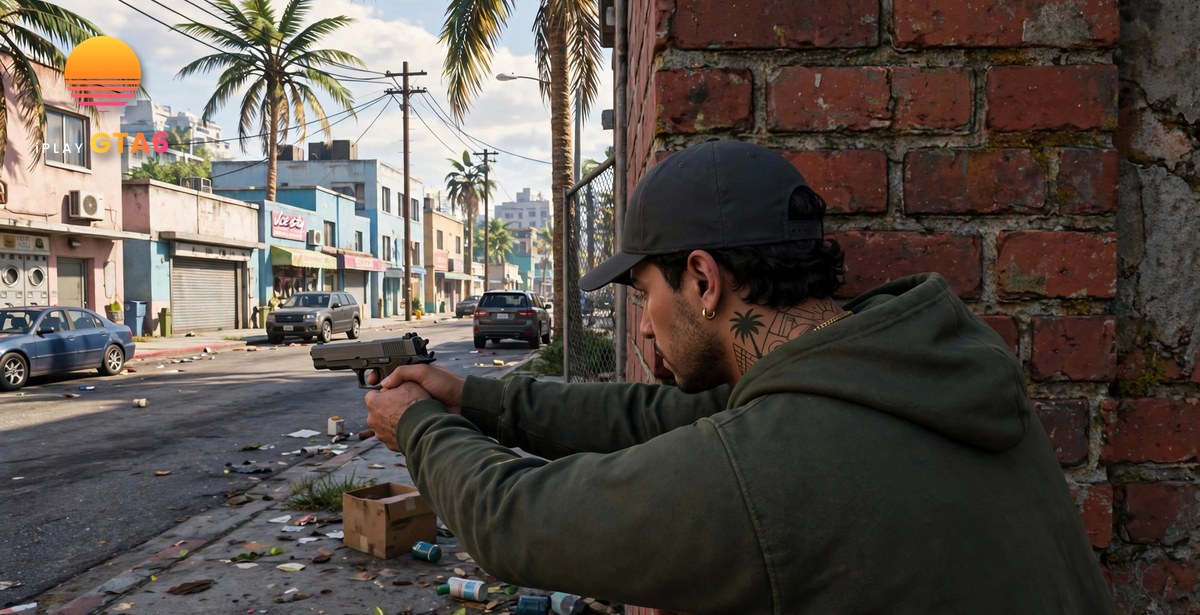
Sometimes the magazine is not worth the animation. Triangle on PS5 or Y on Xbox swaps to your second weapon, and that swap is usually quicker than a reload — fast enough that it is the better call when an enemy is already pushing your cover. Our weapons guide covers the loadout slots, so keep a second gun you actually like instead of a backup you never touch.
The other habit that kills people here is camping. Cover is not permanent: enemies flank, and if you stay behind the same car for a full minute someone will walk around it. Move between cover, do not camp one spot. The shooting range is the cheapest place to drill the reload rhythm, with 42 gold medals to chase and a Focus farm attached.
Three Settings That Change How Cover Feels
Open Settings, go to the Gameplay tab, and check the Combat section at the top:
- Cover Selection. This chooses whether the camera orientation is considered when the game finds a position to take cover. If cover keeps snapping you to the wrong side of a wall, this is the setting to change.
- Stand and Sprint. Off by default, this stands you up automatically when you activate sprint instead of staying in a crouch. If you keep popping upright when you meant to stay low, check this is still off — sprinting out of a crouch looks a lot like the reload quirk, and the two get blamed for each other.
- Swap shoulders. D-pad Left while aiming switches the shoulder you lean out on. If the cover is on your left, swap shoulders so you peek around the correct side instead of exposing your whole body on the right.
Quick Questions
Does reloading always stand you up from cover? No — it happens when you reload while still leaned out and aiming. Reloading while fully ducked behind cover keeps you low. The trigger is the peek, not the reload alone.
What button reloads in GTA 6? Square on PS5 or X on Xbox, with a gun out. It shares the button with melee and is not listed on the Control Scheme screen. Nothing happens if the magazine is still full or you have no spare rounds.
Is crouch the same as cover? No. Circle crouches anywhere, while R1 tucks you behind a specific object. Crouching is also the start of sneaking — our stealth guide covers crouch, takedowns and staying unseen.
Can you go prone in GTA 6? No. A prone mechanic appeared in a 2022 development build, but it was cut from the final release. Crouching behind cover is as low as you get.