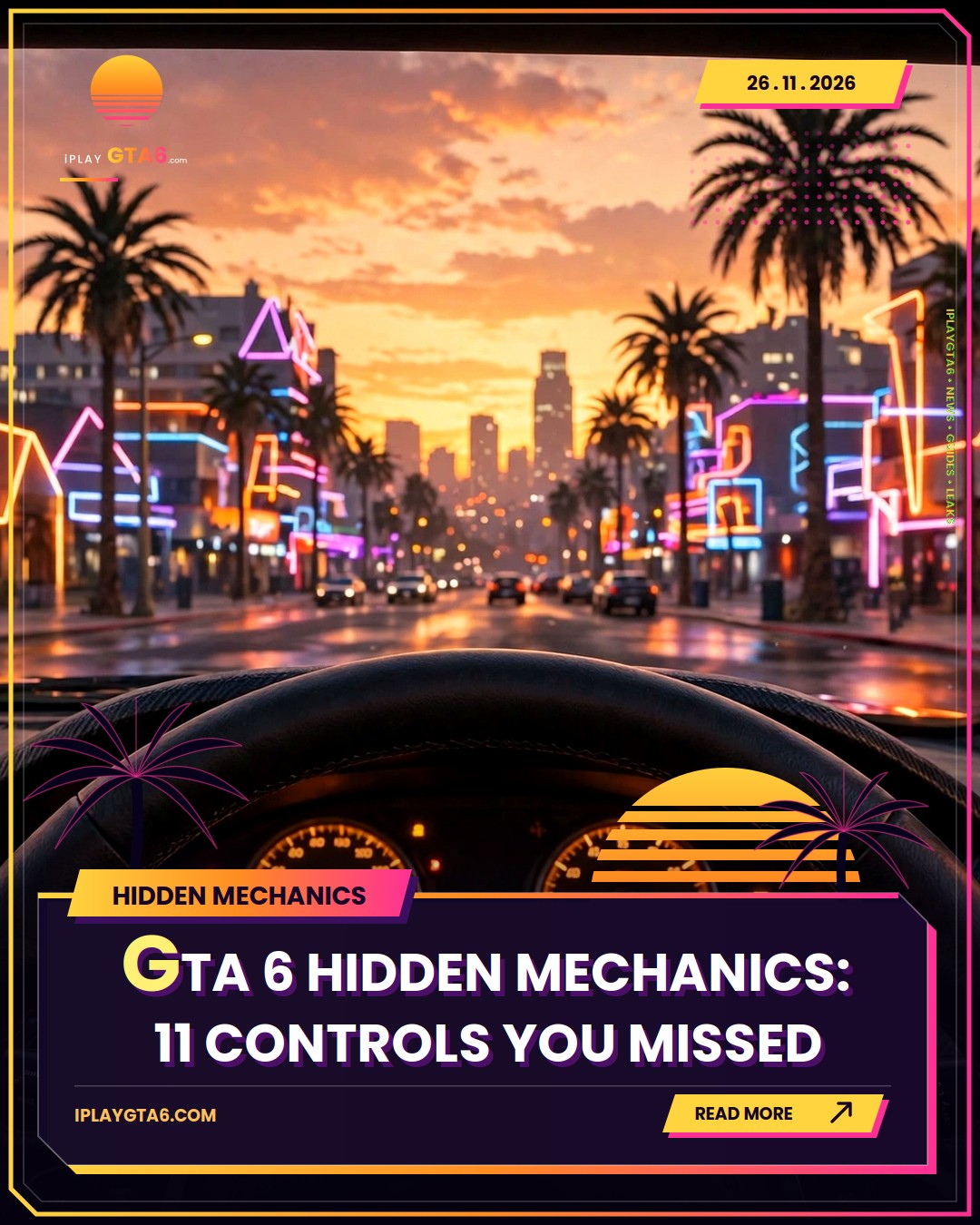
GTA 6 never hands you a manual for its best tricks. The game teaches you how to drive, shoot and switch characters, then quietly leaves dozens of smaller interactions for you to stumble across on your own. Some of them are pure flavour, like shouting at bad drivers. Others genuinely change how you play, like the blinkers that make traffic react to you, or the first-person inspect trick that lets you zoom in on the world around you.
Here are 11 hidden mechanics worth learning, with the exact inputs on PS5 and Xbox. They come from community testing and guides published since launch, and they all work in the open world from the early chapters. If you want the full button layout first, our GTA 6 controls guide covers every new button change, and the PS5 and Xbox layout guide maps the whole scheme.

1. Blinkers: Turn Signals That Traffic Actually Notices
Tap D-pad Left or Right while driving to switch on the left or right indicator, and tap again to switch it off. It is a small touch, but nearby drivers react to a signalled turn more politely than to a sudden swerve, and it makes low-speed city driving feel far more like the real Vice City traffic Rockstar built. The same input also feeds into the hidden vehicle menu below.
2. The First-Person Inspect Trick
Here is the one everyone asks about. While unarmed, hold L2 (LT on Xbox) to focus on something, then click R3 (RS) to drop into a first-person inspect view. Hold R2 (RT) to zoom in further, and click R3 again to exit. You cannot walk around in this view, which is why it counts as a trick rather than a full mode, but it is the best way to read signs, study a car up close or just take in how detailed Leonida is. There is also a glitch that locks the view in place, but the basic inspect works without it. If your weapon has a sight attached, clicking R3 while aiming gives you a proper moveable first-person aim instead.
3. The Hidden Vehicle Controls Menu
Hold D-pad Left, then flick the Right Stick up to open a vehicle settings menu the game never mentions. From here you can roll the windows up or down, switch the headlights and hazard lights on, and turn the engine off while staying in the driver's seat. It is the single most useful hidden menu in the game, and it hides three more tricks on this list.
4. Leave the Engine Running When You Get Out
Double-tap Triangle (Y on Xbox) as you exit a car and the engine, headlights and radio all stay on. It is perfect for a quick getaway, or for keeping your car warm and lit while you run into a shop. A single tap turns everything off instead. On a boat, the same double-tap lets you walk the deck while the vessel keeps sailing.
5. Auto-Drive and Cinematic Mode
Set a waypoint on the map, then hold D-pad Down for the cinematic camera and hold Circle (B on Xbox) to let the game drive for you. Your character follows the route while you watch Leonida roll past, which makes long cross-map trips painless. Pair it with the radio toggle below and a long drive becomes a sightseeing tour.
6. Radio On and Off Without a Menu
Double-tap D-pad Left to switch the car radio on or off instantly, no station menu needed. And if you want music on foot, buy earbuds or over-ear headphones and equip them from your inventory: the radio follows you while you walk around Vice City.
7. Duck Behind the Wheel to Hide
Hold Circle (B on Xbox) while seated in a car to duck down behind the steering wheel. It is a genuine stealth option: ducked low, you are much harder for patrolling police to spot while your wanted level cools down. Tap Circle once instead to cycle the headlights between off, low and high beam.
8. The Car Door Is a Weapon
Tap Square (X on Xbox) while driving to fling the car door open into anyone standing too close. It can clip a biker, knock down a pedestrian or shove a cop who is dragging you out of the car. On a bike the same input becomes a kick, which is just as satisfying and far more practical in traffic.
9. Road Rage and the Middle Finger
Click R3 (RS) while driving to make Jason or Lucia shout insults at nearby drivers. It is the game's official road rage button, and it is mentioned in the in-game help if you dig for it. While unarmed on foot, hold L2 (LT) to focus on someone and press R1 (RB) to flip them off instead.
10. Push a Stalled Car Back Onto Its Wheels
Approach a stranded or overturned vehicle and press L3 (LS) to start pushing it. Hold Square (X on Xbox) while pushing for a stronger shove, and an overturned car can be flipped back onto its wheels. It works on your own car too, which saves a long walk after a bad crash in the countryside.
11. Combat Roll, Shoulder Swap and Quick-Swap
Three combat tricks in one. While aiming with L2 (LT), tap X (A) to combat-roll out of trouble, press D-pad Left or Right to switch which shoulder you aim over, and tap Triangle (Y) to quick-swap between weapons without opening the wheel. Out of bullets? The melee button still works with a gun in hand: Square (X on Xbox) pistol-whips the nearest enemy.

Why Rockstar Hides All of This
None of these controls appear in the opening tutorials, and that is clearly deliberate. GTA 6 wants Leonida to feel like a place you learn by living in it, not a checklist you tick off in the first hour. The blinkers, the window controls and the engine trick all reward players who experiment with the controller instead of rushing the next mission marker. Once you know them, the game feels noticeably more alive: traffic behaves, your car feels like yours, and the world opens up in small ways that never show on a map.
The same idea runs through the rest of the game. Our hidden controls guide covers more tricks the game never teaches, and the best settings guide explains which display and control options are worth changing first. Learn these 11, then go and find the next ones yourself: Leonida is full of them.

Quick Questions
How do you turn on blinkers in GTA 6?
Tap D-pad Left or Right while driving to switch on the indicator, and tap the same direction again to switch it off.
How does the first-person trick work in GTA 6?
While unarmed, hold L2 (LT) to focus, then click R3 (RS) to enter the first-person inspect view. Hold R2 (RT) to zoom and click R3 again to exit.
How do you open the hidden vehicle menu in GTA 6?
Hold D-pad Left, then flick the Right Stick up. The menu covers windows, headlights, hazard lights and the engine.
How do you leave the engine running in GTA 6?
Double-tap Triangle (Y on Xbox) as you exit the car. The engine, headlights and radio all stay on.
How does auto-drive work in GTA 6?
Set a waypoint, hold D-pad Down for the cinematic camera, then hold Circle (B on Xbox) to auto-drive to your destination.
Can you hide from police inside a car in GTA 6?
Yes. Hold Circle (B on Xbox) while seated to duck behind the steering wheel, which makes you much harder for police to spot.