
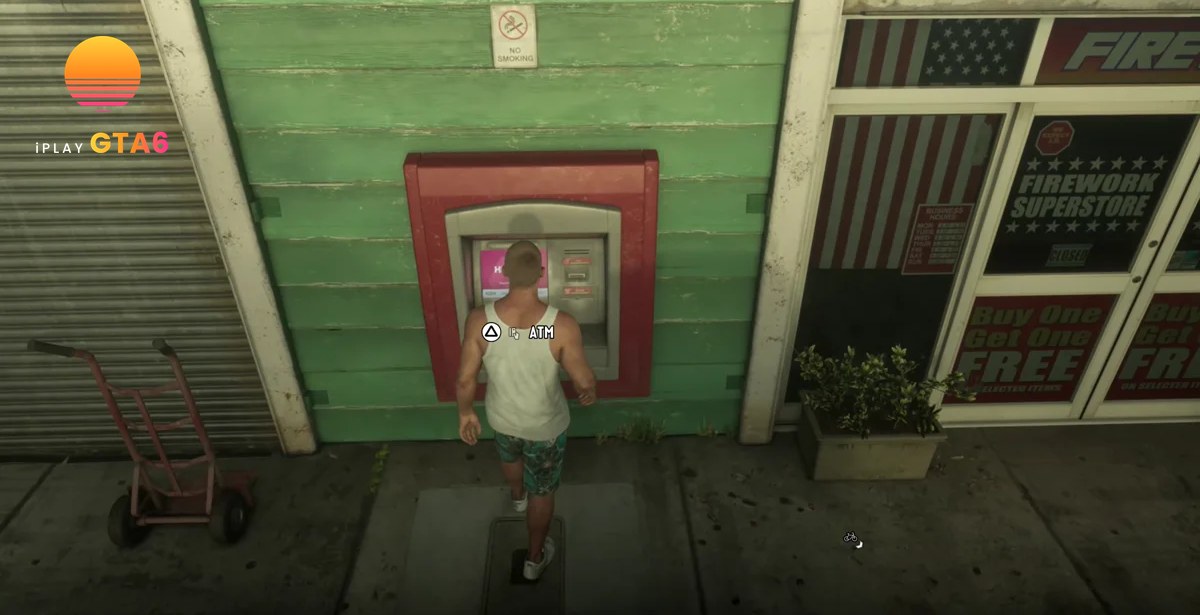
Walk up to any ATM in GTA 6 and the machine asks you to pick an exact amount of money with a slider that speeds up as you hold it. Aim for $1,000, blink, and you are staring at $1. Players have been shouting about it since launch, and the overshoot stories have become one of the most talked-about quirks of the game.
The ATM itself is simple once you know it. It is the only way to move cash into your BuckMe account, the only way to take it back out, and the gateway to Family Savings. This guide covers the whole machine: unlocking it, depositing and withdrawing step by step, the limits, and the tricks that stop the slider from ruining your deposit.
How to Unlock ATMs in GTA 6
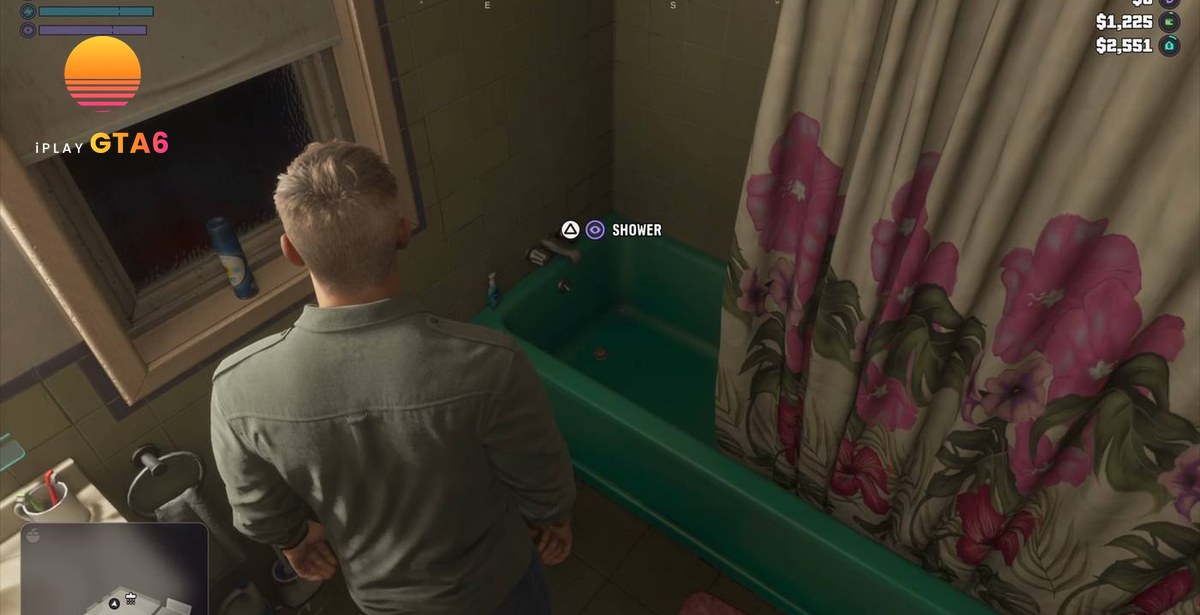
ATMs do nothing useful until you finish the Chapter 1 story mission Buck Me. It installs the BuckMe app and opens your account. Before that, Jason keeps his money in a stash under his bedroom floorboards.
BuckMe is a bank account aimed at people with bad credit, and it also lets you buy things that need an account, such as special guns at Ammu-Nation. The mission is followed by two objectives: Deposit Cash Into BuckMe and Save for the Future, which asks for $5,000 into Family Savings. Our banking guide explains the whole system.
How to Find an ATM
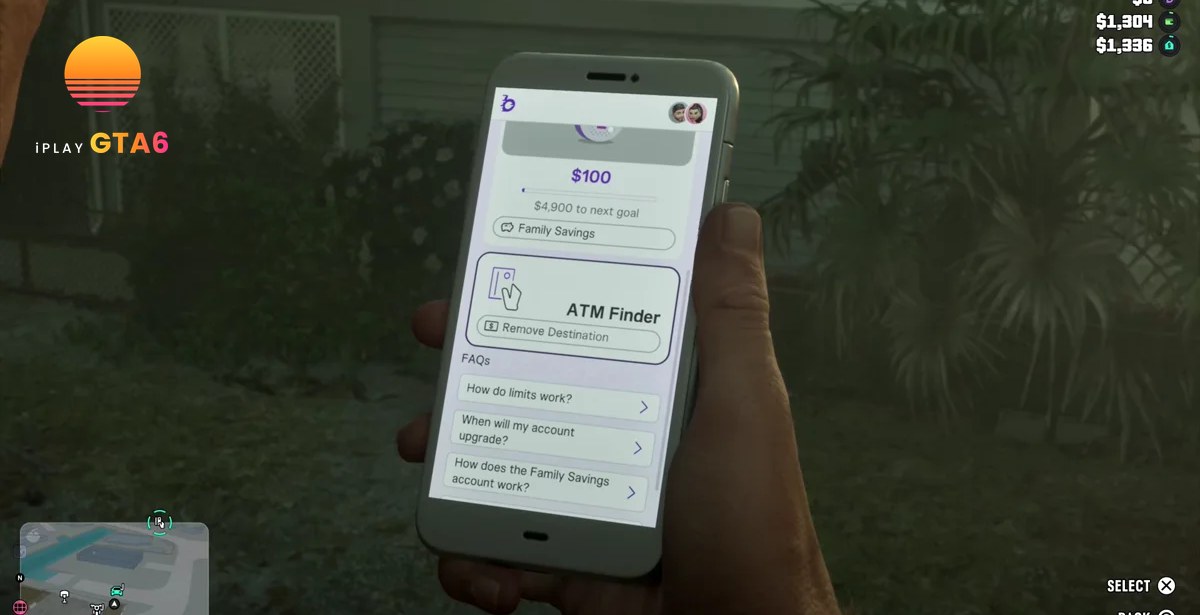
ATMs have no map icon, so use the app. Open your phone, launch BuckMe, the purple icon with a lowercase b, and select ATM Finder. It sets a waypoint to the nearest machine, and more than 120 ATMs are listed in the map index under Personal, then Cash Deposits.
In Chapter 2, a tip in the Starlet Motel office reads that Linda will only accept cash for the rent payment.
How to Deposit Money at an ATM
Depositing is how you protect your cash: money in your pocket is lost if you get busted or wasted, while money in BuckMe stays in the account.
Play through the Chapter 1 mission first. Without the BuckMe account, the ATM has no deposit option.
Use ATM Finder in the BuckMe app to set a route. Any machine takes deposits.
Stand at the machine until the prompt shows, then press Triangle or Y.
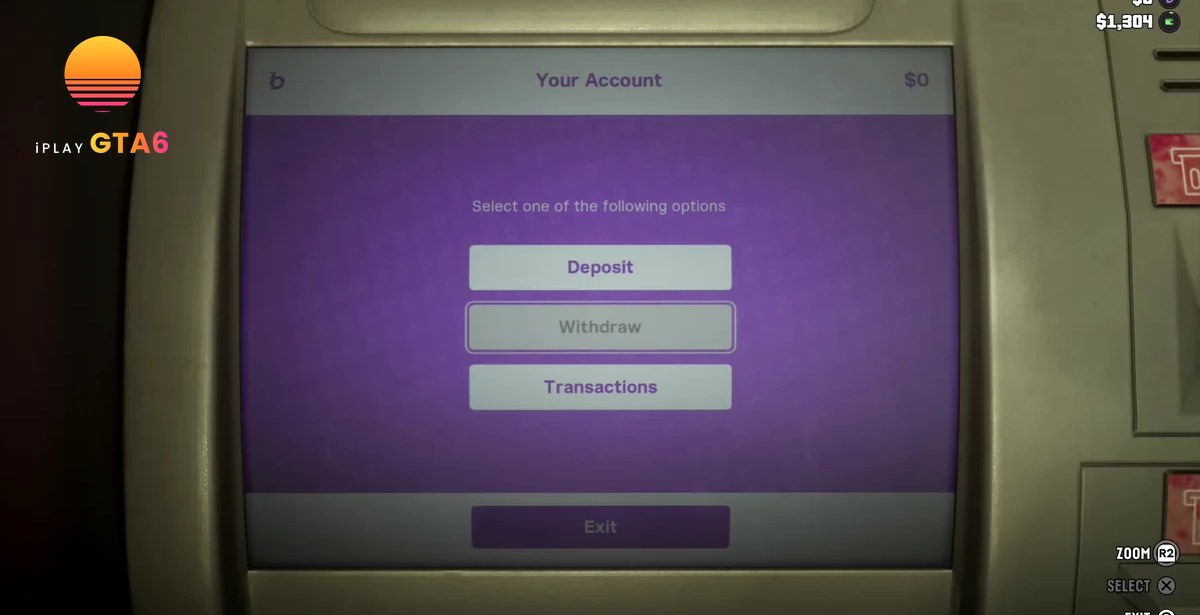
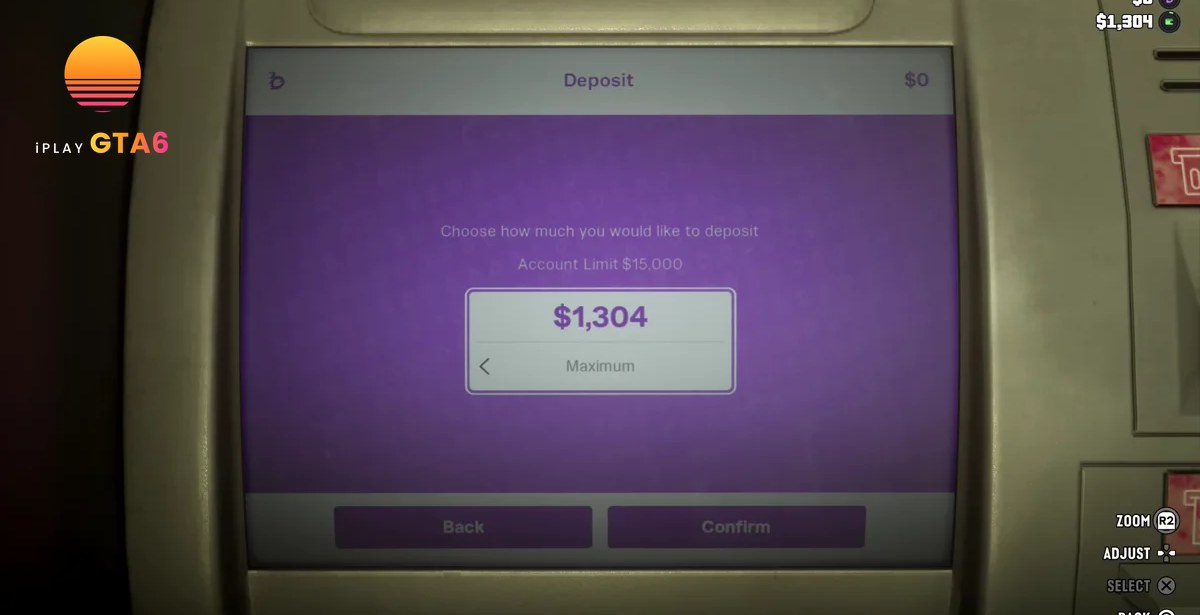
Select Deposit. The screen opens on all the cash you are carrying, with your account limit above it.
Adjust the amount with the D-pad, then choose Confirm. The machine replies, "Thank you for bucking with us."
How to Withdraw Money at an ATM
Withdrawing is the mirror image, for whenever someone only takes cash. Stand at the machine, press Triangle or Y, and pick Withdraw. The screen shows an account limit of $20,000, the most cash a character can carry, and the amount starts low. Adjust it with the D-pad, hold right for Maximum, then choose Confirm. The screen says "FREE CASH WITHDRAWALS", and the whole amount arrives with nothing taken off. Back cancels if you change your mind.
Only take out what you need for the payment in front of you, and leave the rest in BuckMe.
The Slider Trap: Why the Amount Jumps
Here is the part everyone complains about. There is no number keypad: the amount uses the same scrolling slider as the stash box at home, and it starts slowly, then speeds up. Hold the D-pad a beat too long and the number flies past your target, all the way to $1 or to your full balance.
Red Dead Redemption 2 used the same slider, and GTA 5 and GTA Online did it better, with presets like $100 and $1,000. GTA 6 has no presets, so you have to outplay the slider. These tricks work:
- Tap, never hold. Short presses move the amount in small steps. Hold right only for Maximum.
- Use the bumpers for the ends. L1 and R1 jump straight to the minimum and maximum in one press.
- Watch the number, not the bar. The digits are the truth.
- Deposit everything when you can. Maximum is faster and safer than aiming for a round number.
- Back out and retry. Nothing moves until you confirm, so a bad aim costs seconds, not money.
Our ATM amount quirk guide digs into exactly why the slider jumps and what players have tried against it.
Deposit and Withdraw Limits
The withdraw limit is $20,000, the most pocket cash one character can carry, and the option greys out when your balance is $0. The deposit limit is your BuckMe account limit: $15,000 at the start, $100,000 in Chapter 2, $500,000 in Chapter 3 and $2,000,000 in Chapter 4.
If BuckMe refuses a deposit, that is not a bug: the account has hit its limit, and the limit only goes up as you advance the story. Our Family Savings guide covers all six goals, and our best ending guide explains why $2,000,000 matters.
Family Savings: The Step Everyone Misses
You cannot send cash straight into Family Savings from the ATM. Deposit first, then open BuckMe, choose Family Savings, pick Buck Yourself and confirm. The money moves into savings, where it counts toward the story's goals and the $2,000,000 the best ending needs.
Warning: withdrawing from Family Savings is never allowed, so only move across what you will not need.
Transactions, Fees and the Stranger at the ATM
Pick Transactions to see every payment in and out of your BuckMe account, newest first, including the BuckMe Maintenance Fee: $25 early on, $65 later.
A stranger can also ask you for $500 while you use an ATM: withdraw it first, because the NPC waits. Outdoor ATMs can be ripped out of the wall with a winch for marked bills; our tow truck ATM guide covers that job.
Quick Questions
How do I deposit money at an ATM in GTA 6?
Finish Buck Me, walk up to any ATM, press Triangle or Y, choose Deposit, set the amount and confirm. The money moves from your pocket into BuckMe.
How do I withdraw money from an ATM in GTA 6?
At any ATM, press Triangle or Y, choose Withdraw, set the amount, hold right for Maximum, and confirm. Withdrawals are free.
Why does the ATM slider jump to zero or maximum?
There is no number keypad. The slider starts slow and speeds up as you hold the D-pad. Tap in short presses, or use L1 and R1 to jump to the ends.
What is the deposit limit at a GTA 6 ATM?
Your BuckMe limit: $15,000 at the start, $100,000 in Chapter 2, $500,000 in Chapter 3 and $2,000,000 in Chapter 4. Withdrawals cap at $20,000.
How do I put money into Family Savings?
Deposit at an ATM first, then open BuckMe on your phone, choose Family Savings and pick Buck Yourself. You cannot send cash straight into savings from the ATM.
Can I deposit money from my phone in GTA 6?
No. Cash only goes into BuckMe at an ATM. The phone app can find ATMs and move money into savings, but deposits need the machine.
The GTA 6 ATM is a simple machine with one nasty habit. Deposit after every job, withdraw only what you need, tap the slider instead of holding it, and move savings through the BuckMe app.