You want $500 out of the ATM. You hold the shoulder button, the numbers crawl, and then they sprint. Ten, twenty, thirty, three hundred, four hundred, ten thousand, twenty thousand. You wanted $500 and ended up at $30,000, which is sixty times too much. Welcome to the most complained about menu in GTA 6.
The GTA 6 ATM enter amount quirk is not a bug. It is a scrolling slider with no number keypad, and it accelerates so fast that hitting an exact figure takes patience most players do not have. One player spent two minutes trying to withdraw exactly $900. Kotaku called the ATM the game's worst feature. This guide explains how the slider works, how to land on your number, and why banking your cash still matters even when the machine fights you.
How the GTA 6 ATM Enter Amount Slider Works
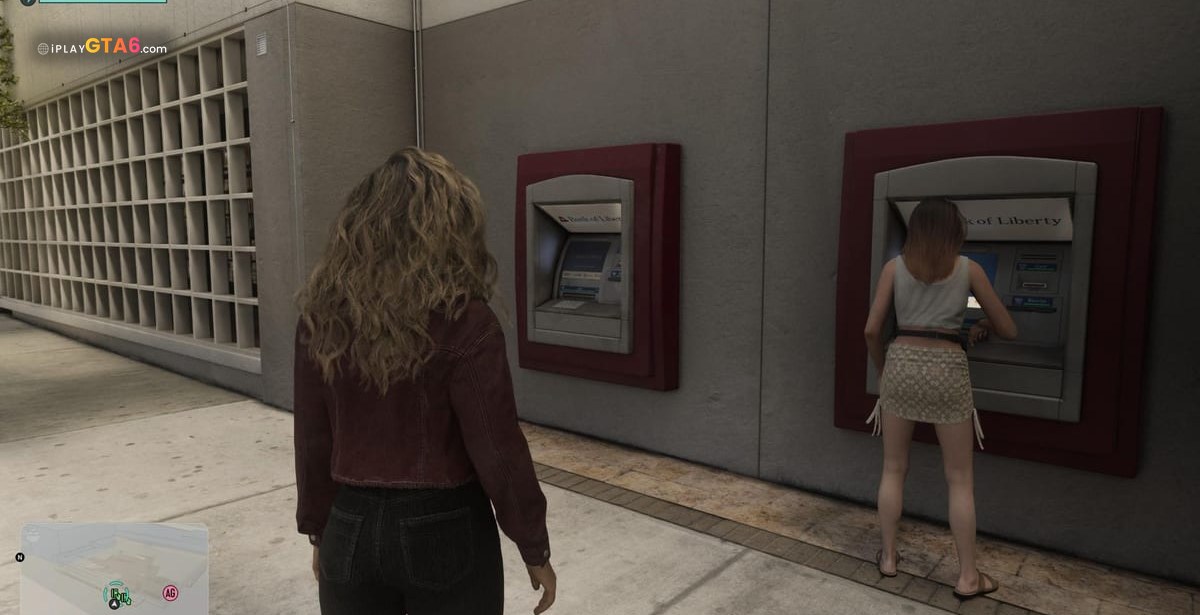
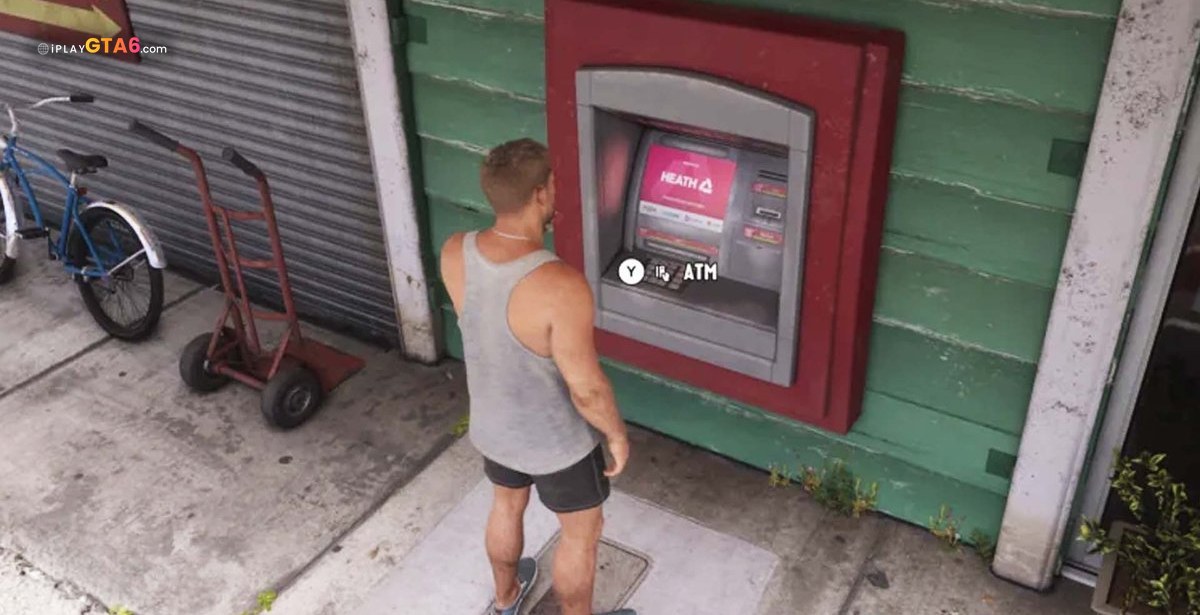
There is no field to type a number. At an ATM, you press Triangle or Y at the machine, and the options are Deposit, Withdraw, and Transactions, your account history. You choose the amount with D-Pad Left or Right, or by holding the shoulder buttons, L1 and R1 on PlayStation, then confirm with X or A.
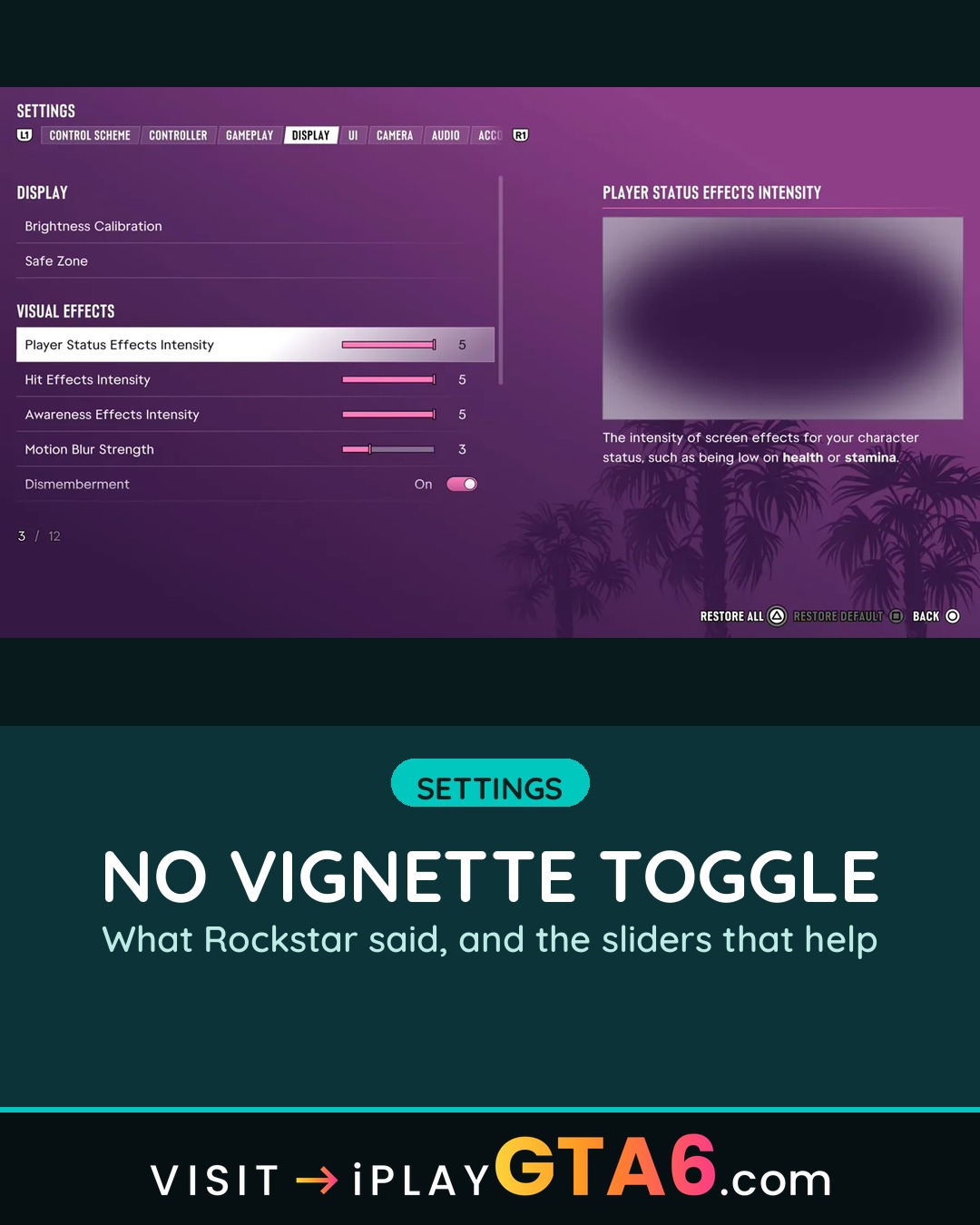
The amount uses the same scrolling slider as the stash box at home. It starts slowly, then speeds up, so overshooting is easy. Tap the button and the number creeps up by small steps. Hold it and the count ramps up by the thousands in a few moments. The writer at Kotaku describes overshooting, then scrolling back slowly and overshooting again.
The same slider appears for phone-number entry, and Jason's stash at home uses the same system. Controlling the amount means slowly counting by the individual dollar, and if you hold the D-pad to input vastly higher or lower amounts, the count ramps up fast. One Reddit user joked about the sequence, "1, 2, 3, 4, 5, 6, 10,000." Our banking guide explains BuckMe, Family Savings, and ATMs as a system, and this slider is the awkward middle of it.
How to Land on the Exact Amount
There is no secret button that fixes the slider. The workaround is technique, and it comes down to short taps and patience. Never hold the shoulder button down when you are close to your number, because that is when the acceleration bites.
Tap L1 or R1 in short presses to move the amount in small steps. Hold the button only when you are far from your target and the number still needs to climb a long way.
Start tapping well before you reach your number. The slider accelerates the longer you hold it, so release early and creep up to the figure in single taps.
If you fly past your number, reverse direction with single taps only. Scrolling back slowly is the only way to land on an exact figure, and rushing it sends you past again.
D-Pad Left and Right move the amount too, and short D-pad taps are the steadiest way to nudge the figure by small amounts when you are nearly there.
If the exact figure does not matter, take a round number instead of fighting for $900. Withdrawing $1,000 is faster than spending two minutes chasing $900, and the difference rarely matters.
Players have asked for the obvious fix: a simple plus 100 and minus 100 set of buttons, or a number keypad, or the preset amounts GTA 5 offered, such as $100 or $1,000. Until Rockstar patches it, the taps above are the best you have.
Why You Still Have to Use the ATM
You cannot skip the ATM, and that is what makes the quirk so annoying. ATMs are how Jason and Lucia move cash between their pockets and their BuckMe account. Cash you carry can be largely lost if you are Busted or Wasted, while money deposited at an ATM stays safe however many times you die.
ATMs unlock with the Chapter 1 main mission Buck Me, about halfway through the chapter, and it installs the BuckMe app on your phone automatically. Before then, Jason keeps his money in a stash at home. BuckMe also lets you buy things that need a bank account, such as special guns at Ammu-Nation.
You cannot send cash straight into savings either. Deposit at an ATM first, then open BuckMe, choose Family Savings, pick the deposit option, set the amount with D-Pad Left or Right, and confirm. Our phone guide walks through every app, including BuckMe and the ATM Finder, and our money guide covers the robberies and fences that fill the account in the first place.
How to Find an ATM
ATMs have no map icon, which is its own small annoyance. Use the app instead. Press Up on the D-pad to open the phone, open BuckMe, the purple icon with a lowercase b, and press Down to select ATM Finder. Press X or A to track the nearest ATM, then follow the new marker on the map.
The Personal section of the in-game index also lists ATMs for depositing cash. Strip clubs have several, and the central terminal at Vice City International Airport has many. One ATM is right next to Jason's home, which is the easiest place to bank your cash early.

Why Rockstar Built It This Way
The slider is the same system Red Dead Redemption 2 used, and players keep pointing that out. In a game set in the modern day, where you already type codes and passwords into the in-game phone, a scrolling amount with no keypad feels like an oversight. GTA 5 and GTA Online offered preset amounts such as $100 and $1,000, which were much simpler.
Kotaku's writer is baffled that a game recreating so many everyday details, from sweat-damp shirts to realistic reflections, invents such a painful way to use an ATM. As of November 22, Rockstar had not announced a fix. This kind of ergonomic detail is often fixed after launch in games of this scale, so a patch is plausible, but nothing is promised.
One player summed up the mood best: it is a joy that this is their biggest gripe. The game is swimming in ideas that have players thrilled, and the one problem everyone can agree on is a small UI flaw in a menu you use a dozen times a day. Our fast money by chapter guide covers the payouts worth banking once you have fought the slider and won.
Quick Questions
Why does the GTA 6 ATM slider jump so fast?
The amount scrolls with the shoulder buttons and accelerates the longer you hold them. It starts slowly, then ramps up by the thousands, so holding the button near your target almost always overshoots it.
Tap, do not hold. Bank before you fight. And if the slider beats you again, remember that everyone in Leonida is losing the same fight with the same machine.