
There is no Spotify button inside GTA 6. No in-game app, no account link, no Self Radio folder for your own tracks. Players keep asking, and the short answer has not changed since launch: Rockstar never built native Spotify into the game.
That is not the end of it, though. Your own playlist can still play while you drive, through a two-minute setup on your console. Here is what works on PS5 and Xbox, how to silence the in-game radio so the two do not fight, and what the official Spotify hub actually gives you.
The Short Answer: No Native Spotify, But Your Playlist Still Plays
GTA 6 launched on November 19, 2026 for PS5 and Xbox Series X and S with more than 20 radio stations and on-demand podcasts, but no way to connect a streaming account or import your own music.
Posts claiming you can link Spotify from the pause menu are speculation. Rockstar has never confirmed it, and no such menu exists. The album, Grand Theft Auto VI: The Album, holds 34 original tracks and is available to pre-save on Spotify, which is where the confusion comes from.
What does work is background playback. Both consoles can run the Spotify app behind the game, so your playlist keeps playing while you drive. It takes about two minutes to set up, and your phone becomes the remote. The rest of this guide is the exact steps, plus the radio controls you need so the game does not talk over your music.
Spotify on PS5 While You Drive
The PS5 route uses Spotify Connect, which lets your phone cast a playlist to the console. Set it up once and it stays ready.
Open the PlayStation Store, search for Spotify, and download it. The app is free, and a free Spotify account works.
Open Spotify on your phone and sign in with the same account you use on the console.
Pick the song or playlist you want as your Vice City soundtrack and start it playing on your phone.
Tap the Spotify Connect icon, the TV-and-speaker symbol in the bottom-left of the playback screen, and select your PS5 from the device list. The music now plays through the console.
Start the game. The music keeps playing in the background while you drive, and you can skip, pause, or switch playlists from your phone without leaving the game.
If your PS5 never appears in the Connect list, your phone and console are almost certainly on different Wi-Fi networks. Put them on the same one, restart Spotify on both, and try again. That fixes it nearly every time.
Spotify on Xbox While You Drive
Xbox Series X and S support background music officially, and the setup is even shorter than the PS5 route.
Search for Spotify on your Xbox, download it, and sign in with your account.
Pick your driving playlist and start it playing.
Press the Xbox button and start the game. Spotify keeps playing over it, in the car or on foot.
Open the Xbox guide audio controls and lower the game volume, or raise Spotify, until the music sits right under the engine noise and dialogue.
Silence the In-Game Radio First
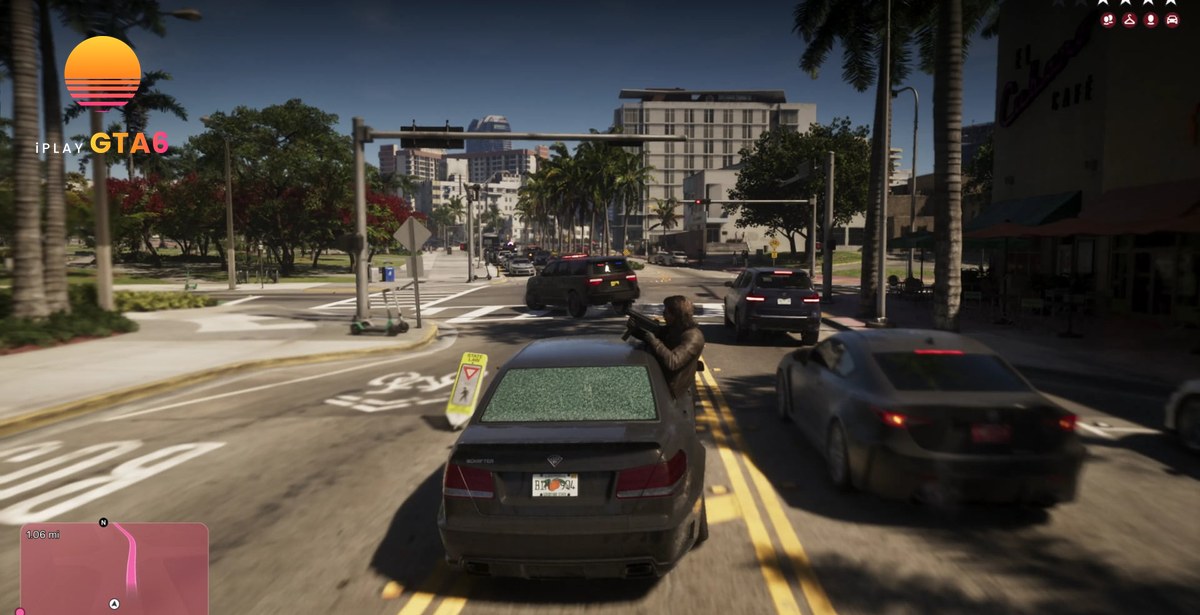
Your playlist sounds bad layered over in-game country music, so kill the radio before you drive off. In any vehicle, hold Left on the D-pad to open the radio wheel, then press X on PS5 or A on Xbox to switch the radio off. Cycle stations with L1 and R1, or LB and RB, if you ever want them back.
If you would rather keep the engine noise and dialogue but lose the songs, go to Pause, Settings, Audio, Setup, and set Vehicle Radio to Off, or lower the Music volume slider while leaving SFX and Dialogue alone. That keeps the world sounding alive under your playlist.
The same wheel hides the podcasts. Flick down on the right stick to browse the five on-demand podcast series, and they resume where you left off, even on foot. Our radio stations guide lists every station, host, and sound, if you want to know what you are turning off.
The Official Spotify Hub and the 24 Stations
Before you ditch Leonida's DJs entirely, it is worth knowing what Rockstar and Spotify built together. The Grand Theft Auto VI Experience launched on November 20, 2026 across 33 markets, with more than 20 playlists covering the in-game stations and mixtapes, including Cocoteo FM, Flash FM, Back Country Radio, Stockyard FM, and VCRR
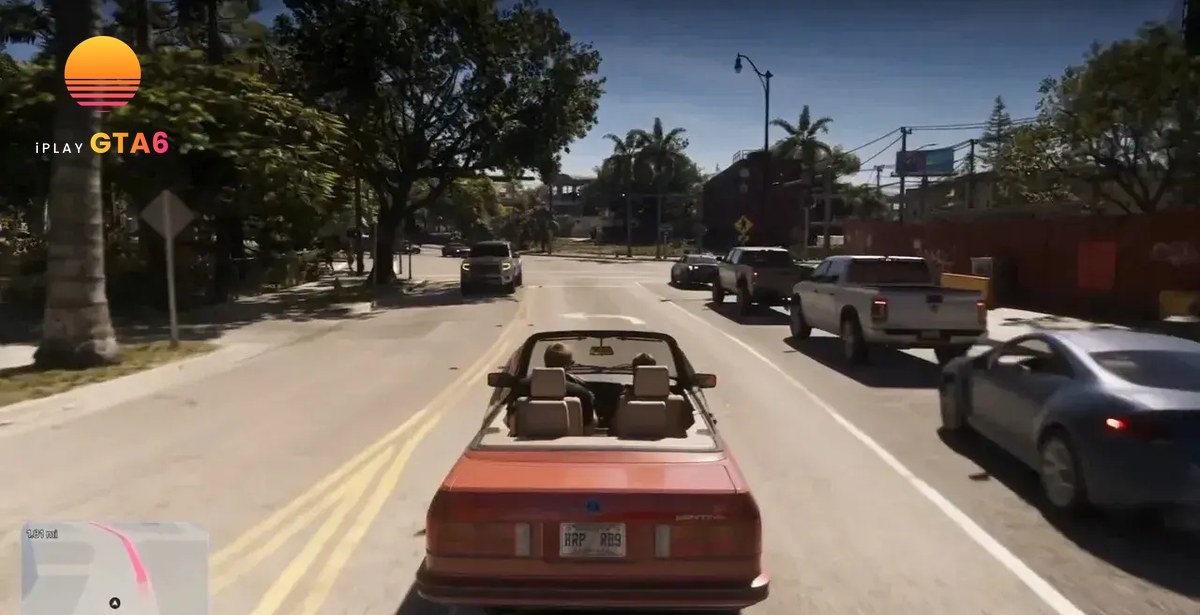
In the game itself there are 24 Leonida channels and about 799 songs across them. Two secret stations hide behind posters: scan the poster inside The Vault nightclub to unlock The Vault Radio, and scan four posters around north Vice City for the second hidden playlist, both findable from Chapter 3. Our hidden radio stations guide has the poster locations.
Mistakes That Kill the Vibe
- Different Wi-Fi networks. If the PS5 never shows in Spotify Connect, the phone and console are not on the same network. That causes most failed connections.
- Expecting an in-game Spotify menu. It does not exist. Anything promising a GTA 6 Spotify mod for consoles is chasing clicks, so do not install sketchy files.
- Free-tier ads. A free Spotify account works on both consoles, but ads will cut in mid-chase. Premium removes them and unlocks offline downloads, so a Wi-Fi hiccup never kills the music.
- Forgetting the radio. If two songs play at once, you left the in-game radio on. Hold Left on the D-pad and press X or A to switch it off.
- Losing your headphones. They fall off when you get knocked down. Grab them off the ground before you walk away.
Quick Questions
Does GTA 6 have Spotify integration?
No. Rockstar has not announced or confirmed any native Spotify integration. The only working way is background playback on PS5 or Xbox.
Do I need Spotify Premium to play music in GTA 6?
No. A free Spotify account works with background playback on both consoles. Premium removes ads and unlocks offline downloads and higher audio quality.
How do I turn off the in-game radio?
Hold Left on the D-pad to open the radio wheel, then press X on PS5 or A on Xbox. You can also set Vehicle Radio to Off under Pause, Settings, Audio, Setup.
Can you play your own music in GTA 6 on PC?
Not yet. GTA 6 launched only on PS5 and Xbox Series X and S, and the PC version has no release date. Custom music support may return with the PC version, but nothing is confirmed.
Why is my PS5 not showing up in Spotify Connect?
Make sure both devices share the same Wi-Fi, restart Spotify on your phone and console, update both apps, then reboot the PS5. That fixes it almost every time.