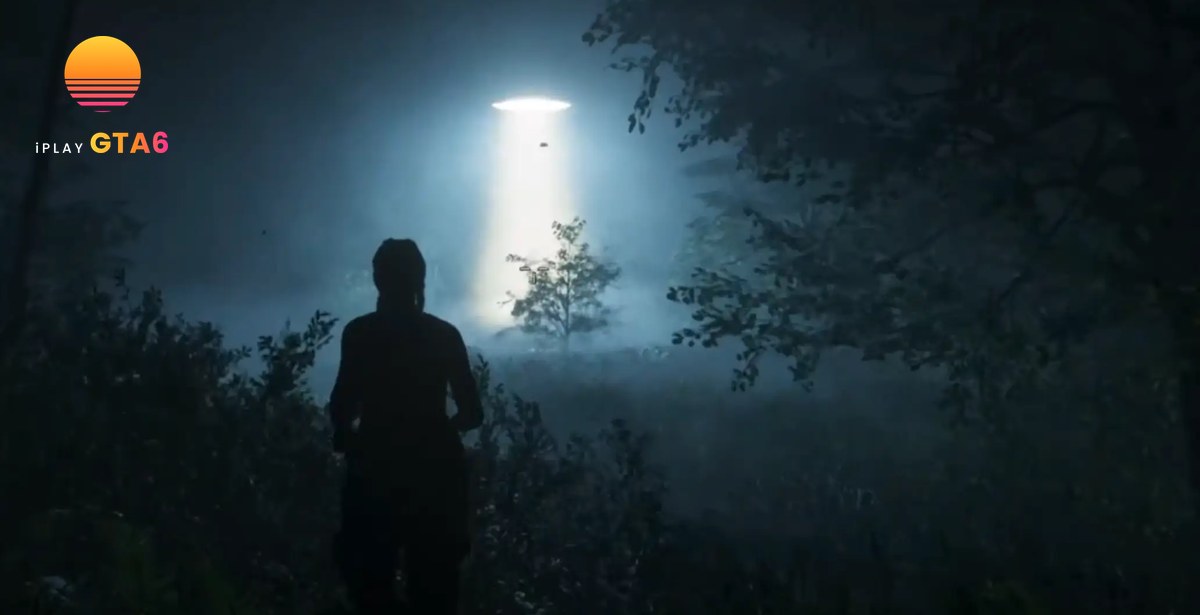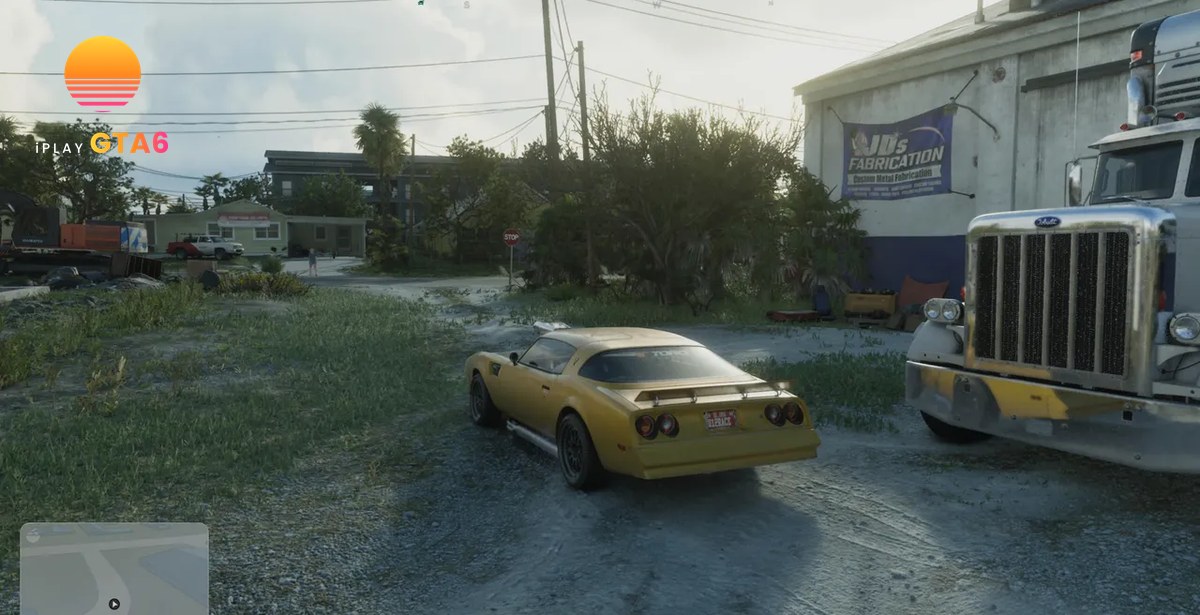

Leonida is supposed to have weather. Rolling fog, violent thunderstorms, full hurricanes. Plenty of players have seen none of it. Their skies have been stuck on sunny since launch. One player went 56 hours without a single dramatic weather change. The complaints piled up fast: one thread about the bug drew 3,600 likes and nearly 500 replies.
There is a fix, and it comes in two parts: the patch, and a two-minute cache clear that players worked out themselves. Here is both, in order, and what to expect after you try them.
Install the Patch First
Rockstar listed stuck weather among the problems addressed in update 01.002.002, released on November 23. The patch notes say the update fixed an issue that stopped weather from changing for extended periods. The same patch also addressed failed autosaves, crashes, and missing story calls.
Install it before you try anything else. On PlayStation 5, highlight GTA 6 on the home screen, press Options, and pick Check for Update. On Xbox, check for updates the same way. For many players the patch was the whole fix, and the rain started the moment it went in.
But not for everyone. Some players updated and still woke up to the same postcard blue sky. That is where the second step comes in, and it is the step this guide is really about.
Clear the PS5 System Cache
Players reporting on Threads and X found that their weather stayed frozen even after the update, and changed after they cleared the PS5 system software cache. The workaround spread from player to player. It is a maintenance option that wipes temporary system data, and it does not touch your saves or installed games.
You need a DualSense controller and a USB cable, because the controller only connects by wire in Safe Mode. The console restarts after the cache is cleared.
Save your progress first, then quit GTA 6 fully. A manual save at a safehouse is the safest starting point.
Shut the console down completely. Rest Mode will not work for this. Wait until the power light stops blinking.
Press and hold the power button on the console until you hear the second beep, about seven seconds in, then release it. The console boots into Safe Mode.
Plug the DualSense in with a USB cable and press the PS button. The controller will not connect wirelessly in Safe Mode.
Choose Clear Cache and Rebuild Database, then choose Clear System Software Cache and confirm. The console restarts on its own.
Boot GTA 6 and load your save manually. The weather should start rotating again, but give it time: the change may not show up right away.
What Not to Touch in Safe Mode
Safe Mode has options you do not want to fiddle with. Rebuild Database is not needed for this fix and takes much longer, so skip it. Stay well away from Reset PS5 and anything with Initialize in the name: those wipe the console.
Clearing the cache does not delete your GTA 6 save, your inventory, or your settings. It removes temporary system files only. Save before you start anyway, just to be safe.

The Xbox Version of the Fix
The Safe Mode steps are PS5 only. On Xbox Series X and S, the closest thing is a full power cycle, and Rockstar provides its own steps for clearing the console cache this way.
Press the power button to shut the console down completely, and quit GTA 6 fully instead of leaving it in Quick Resume.
Pull the power cable out of the back of the console once it is fully off.
Leave the console unplugged for two minutes so the temporary cache fully clears.
Reconnect the cable, turn the Xbox back on, and launch GTA 6. Like on PS5, the weather may need time to cycle before the next storm arrives.
How to Tell If It Worked
Do not expect rain the moment you load in. GTA 6 weather is still dynamic, so you may need to spend time exploring Leonida before the next storm rolls in. Some players report a storm right after loading. Others say rain only appeared after several more hours of play.
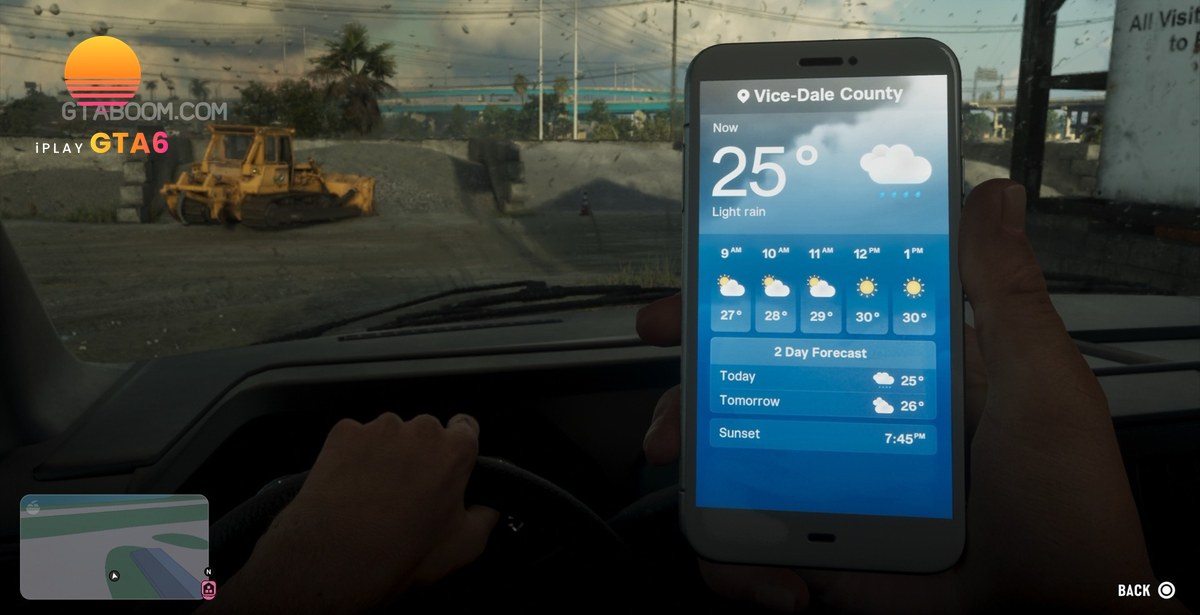
Weather in GTA 6 is also local. It can be sunny in one place and pouring in another, so if it is dry where you stand, drive to a different area. The forecast is in the Weather app on the phone. Play through a couple of in-game days and drive between regions before you make a conclusion.
The weather is calmer in the early chapters, and storms are more common closer to the end of the story, so a quiet sky in Chapter 1 is not always the bug. The bug is when the sky never changes at all, across areas and across days.

How This Guide Differs From Our Earlier Weather Report
Our earlier article covered the bug itself: players still seeing endless sunshine after the patch went live. This guide is the fix. The patch is the official part, and the cache clear is the player workaround for the cases the patch did not reach.
For the background on the bug and the patch, our weather bug report covers what players saw after update 01.002.002 landed.
Quick Questions
Why is the weather always sunny in GTA 6?
Stuck weather was a known launch problem. Update 01.002.002, released November 23, lists it as fixed. Some players report their weather started changing again after they cleared the PS5 system cache.
Does clearing the PS5 cache delete my GTA 6 save?
No. Clear System Software Cache only removes temporary system data. Your saves and installed games stay put. Save before you start anyway, just to be safe.
How long does it take for the weather to change?
For many players the rain came back as soon as the patch installed. After a cache clear, it can take a couple of in-game days and some driving between regions.
Does this work on Xbox?
The Safe Mode menu is PS5 only. On Xbox Series X and S, a full power cycle clears the cache instead: shut down, unplug for two minutes, plug back in, and power on.
Is the cache clear an official Rockstar fix?
No. The official fix is the patch. The cache clear is a step players have been sharing for when the update does not seem to stick.
What should I avoid in Safe Mode?
Only pick Clear System Software Cache. Skip Rebuild Database, and stay away from Reset PS5 and anything with Initialize in the name, which wipe the console.