One week after launch, GTA 6 is a phenomenon and a punchline at the same time. Millions of players are deep into Leonida, trading stories about crashes, softlocks, crackling audio and missions that refuse to start. The game is not broken, but the first week has been rough.
The good news is that most of it is fixable. Rockstar's first patch, 01.002.002 from November 23, fixed seven problems outright, and players have found workarounds for nearly everything it missed. This guide runs through the biggest week-one complaints with the fix for each.
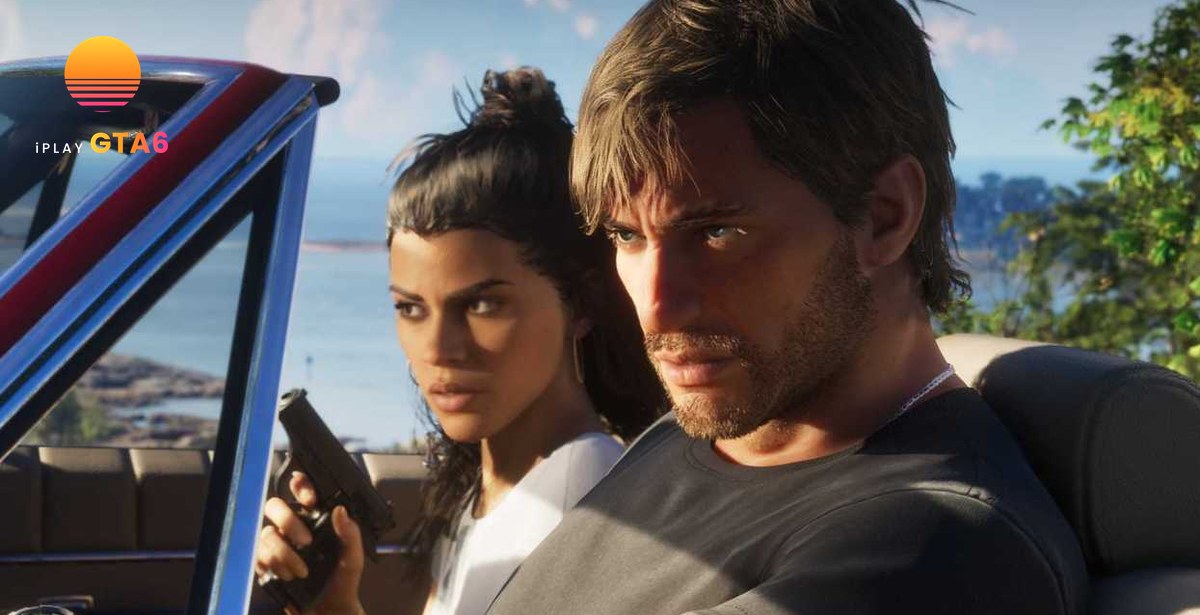
First, Install Patch 01.002.002
Before anything else, check you are on update 01.002.002, released November 23: 603.8 MB on PS5 and 1.6 GB on Xbox, and the first post-launch patch with official notes. On PS5 use Check for Update; on Xbox use Manage game and add-ons, then Updates.
The patch fixes seven things: several crash causes, autosaving, stuck weather, missing phone calls, an unlosable wanted level, the gym deadlift bar, and partners not handing over loot bags. If your complaint is on that list, the patch is the fix. Our patch 01.002.002 guide explains all seven.
Complaint 1: Jason Greyed Out After Missing Persons
The most reported bug of week one is the Chapter 3 softlock after the Missing Persons side task. Complete it at the start of Chapter 3 and the game switches you to Lucia, Jason stays greyed out in the character wheel, and Lucia has no story mission. It is the top-voted report on the community bug tracker at 229 votes, and the patch did not fix it.
The fix is prevention plus an old save. Do not finish Missing Persons until you can freely switch between Jason and Lucia. If you are already stuck, load a manual save from before the last warehouse meeting in Port Gellhorn, play Dealer's Choice as Jason until free switching unlocks, then make a new save and finish Missing Persons. Without an older save there is no confirmed way out.
Complaint 2: Crashes and Error CE-108255-1
Crashes are the second-biggest complaint. The patch fixed several crash causes, but error CE-108255-1 on PS5 is still happening after it. Some Xbox Series X players report a crash every 5 to 20 minutes. One streamer reported losing about 10 hours of progress to a crash on launch night.
Start with the official steps. Update the game and system software, then on PS5 start in Safe Mode and choose Clear Cache and Rebuild Database: your saves are kept. On Xbox, quit the game from the Menu button and relaunch, then hold the Xbox button for 10 seconds to power cycle. Players who still crash report two workarounds: set the PS5 video output to 1080p with HDR and 120 Hz off, or play through PS Plus Premium cloud gaming. Do not delete your save. Our performance guide compares how each console runs the game.
Complaint 3: Progress Lost to Crashes
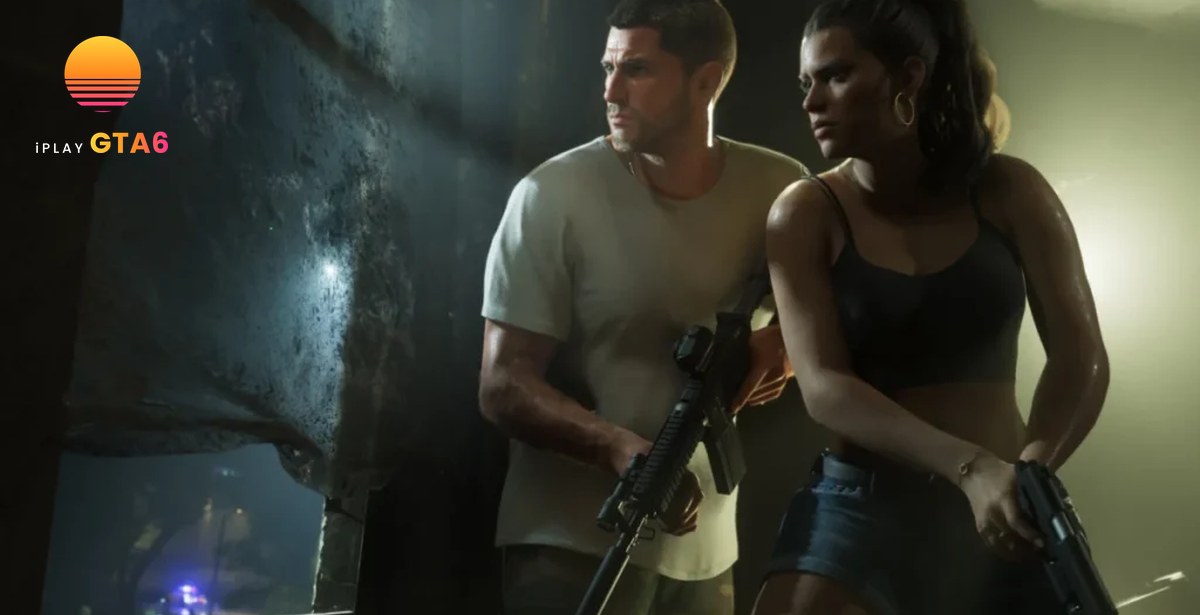
Hours of progress gone because the autosave had not caught what the player did. Some checkpoints did not trigger an autosave at launch, and the patch does not restore progress lost before it.
The workaround is a habit. The game has 15 manual slots and one autosave, so keep 3 to 5 saves in rotation and never overwrite your only save before a big mission. Save by hand after each mission. Our how to save guide covers manual saves and slots, and our autosave guide explains how saves work after the patch.
Complaint 4: Crackling Audio and No Sound
Sound problems are the complaint the patch ignored entirely. Players report crackling, popping or short dropouts, often a few minutes into a session and more often with a headset. Others get no sound at all, or voices and effects with no music or radio. There is no official fix.
The workarounds are worth trying one at a time. On PS5, turn off 3D audio for headphones. On Xbox, set the headset format to Stereo uncompressed. On both consoles, close the game completely and start it again, and on Xbox do not come back through Quick Resume. If voices arrive late on Xbox, turn on Game Mode on the TV and allow auto low-latency mode.
Complaint 5: Missions That Won't Start
One symptom covers a whole family of complaints: no new mission appears. First, a missing story call: the patch fixed phone calls that did not trigger, so install it, then do something else or sleep through a day and wait. Second, Raul never calling Lucia in Chapter 4: finish all outstanding items on the story list, do Yasmani's paid jobs, clear Lucia's phone, save as Lucia in the hotel and restart. Reports dropped after the patch but have not stopped.
Third, Checking Out not starting at the end of Chapter 2: after Afternoon Delight, the game waits for a message from Cal, then a call from Lucia, before it shows the move marker at the Starlet Motel. Check the money first, since the move needs a $15,000 savings target. If the money is there and nothing happens, restart the console, load a manual save and drive around as Jason until the message and call arrive.
Complaint 6: Fully Catered Crashes on the Cutscene
The second most common bug report is a crash on the first frame of the cutscene in Fully Catered, the Chapter 4 mission, on both consoles. The patch did not fix it. The workaround: load a save from before the three previous missions, replay them in a different order, then try the cutscene again.
What Is Fixed, What Is Not, and What to Do Now
One week in, the picture is clear. Fixed: crashes, autosaving, stuck weather, missing story calls, the unlosable wanted level, the deadlift bar and loot bags. Still broken: the Missing Persons softlock, the Fully Catered crash, Raul's missing call and CE-108255-1. Still unaddressed: sound crackling. No date for the next patch yet.
Whatever you hit: install 01.002.002, rotate manual saves, and use the workaround above for your bug. If none of them works, report it to Rockstar Support with your console, the game version, the mission and any error code.
Quick Questions
What does GTA 6 patch 01.002.002 fix?
Seven: several crash causes, autosaving, stuck weather, missing phone calls, an unlosable wanted level, the deadlift bar and loot bags.
How do I fix Jason being greyed out in Chapter 3?
Load a manual save from before the last warehouse meeting, play until free switching unlocks, then finish the task. No confirmed fix exists without an older save.
How do I stop GTA 6 crashing with CE-108255-1?
Update the game and console, restore licenses, then clear cache and rebuild the database in PS5 Safe Mode. Players also report 1080p output without HDR or 120 Hz, or cloud gaming.
How do I stop losing progress to crashes?
Keep 3 to 5 manual saves in rotation and save by hand after every mission. The autosave is not listed in the save menu, so check the load game screen after a crash.
Week one has been two games at once: a landmark launch and a bug list long enough to fill a complaints thread. The patch fixed the worst of it, the workarounds cover most of the rest, and rotating manual saves protect you from everything else.