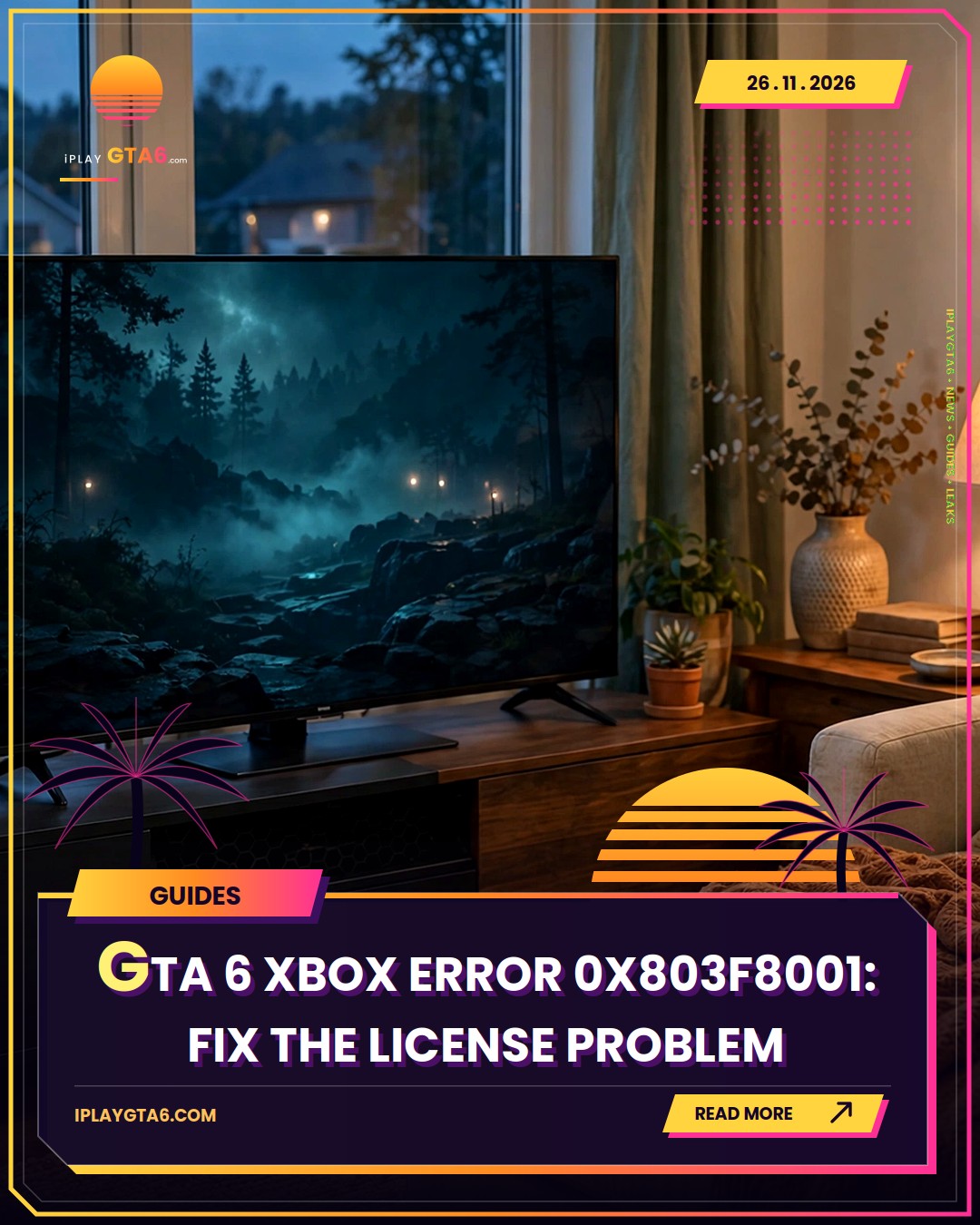
GTA 6 Xbox error 0x803F8001 stops the game before it starts. Your Xbox shows "Do you own this game or app?" and refuses to launch, even though you bought the game and it is sitting on your drive. The fix is almost always a license check, not a reinstall, and Microsoft lists the checks in a clear order. Work through them from the top.
The short version: 0x803F8001 is an Xbox error code, not a Rockstar one. It means your console could not confirm that you own GTA 6. Check the Xbox network status first, sign in with the account that bought the game, and make this console that account's Home Xbox. This guide runs through the full GTA 6 Xbox error 0x803F8001 fix list, in Microsoft's order, with the GTA 6 details that change each step.
What GTA 6 Xbox Error 0x803F8001 Means
Microsoft's own page for 0x803F8001 says the console is having trouble checking your rights to play the game. On a console you see the code with the message "Do you own this game or app?", which tells you to insert the game disc if you have one, and otherwise to make sure you are signed in to the Xbox network.
The code can also mean the console is having trouble checking usage rights at all, which is temporary, or that a Game Pass title has left the catalog. GTA 6 is not a subscription game, so that last case does not apply to a purchased copy. Rockstar's own GTA 6 error troubleshooting page links Xbox Series X|S owners to Xbox's error code search guide. Our physical edition guide explains why your boxed copy holds a code, not a disc, which matters for one of the steps below.
Fix GTA 6 Xbox Error 0x803F8001 Step by Step
Follow these in order. Each step rules out one cause, and most players find the fault at step one, two or three.
Step 1: Check the Xbox network status. Xbox lists the status page as the first step for both disc and digital games. If a service shows an alert, wait until it is running again and then launch the game once more. A license check cannot pass during an outage. Our download fixes guide covers what to do when installs stall during the same kind of outage.
Step 2: Sign in with the account that bought GTA 6. Xbox says you must be signed in to the Xbox network on the account that bought the game. Check the profile name on the Home screen matches the buying account. If you redeemed a boxed copy's code, it must have been redeemed on the same account you are signed in with now.
Step 3: Have the owner sign in, or set your Home Xbox. If the game was installed digitally by someone else, that person should sign in to the Xbox network. Better, make this console the buying account's Home Xbox: press the Xbox button, go to Profile and system, then Settings, then General, then Personalization, then My home Xbox, and select Make this my home Xbox. Everyone on a Home Xbox can play that account's games, even when the owner is not signed in, and your digital games play offline on your home console. You can only have one Home Xbox at a time, and you can switch it up to five times in any one-year period.
Step 4: Power cycle the console. Hold the Xbox button on the console for about 10 seconds until it switches off, then turn it back on. This clears the cached license state and forces a fresh check.
Step 5: Check your order history. On the console, go to Profile and system, then Settings, then Account, then Payment and billing, then Order history. Look for GTA 6. An order marked Canceled or Refunded means you no longer own the game and cannot start it, and the fix is to buy it again. If the product page in the Microsoft Store shows Buy a Copy, Xbox says you no longer have access and would need to purchase it again.
Why the Disc Step Does Not Apply to GTA 6
Microsoft's generic advice says to insert the disc if you have one. For GTA 6, you probably do not. The first retail Xbox copies hold a digital download code and not a playable disc. There is no disc to insert, so skip that step. What matters instead is the code: it must have been redeemed on the account that is signed in, on the console set as that account's Home Xbox.
The same logic covers the New Zealand trick. Players reported that switching an Xbox to New Zealand unlocked GTA 6 early, and some reported account trouble afterwards. Neither the trick nor the trouble is confirmed. If you changed your region, setting your region and time zone back is the safe move. Our download size guide covers the 212 GB install and pre-load, a separate problem from the license check.
When GTA 6 Xbox Error 0x803F8001 Still Will Not Clear
If the status page is green, the right account is signed in, this is the Home Xbox, the console has been power cycled and the order history shows the purchase, the problem is beyond the checklist. Work through Microsoft's game troubleshooting page next, then contact Xbox Support with the code and the steps you have already tried.
Two last checks before you call. First, install the latest system update: an out-of-date console can fail license checks that a current one passes. Second, if you share the console, check that nobody else changed the Home Xbox setting or signed the buying account out. Our shared Xbox save guide covers the other headache shared consoles cause.
Quick Questions
What does GTA 6 Xbox error 0x803F8001 mean?
It means your Xbox could not confirm that you own GTA 6. It is an Xbox license code, not a Rockstar one, and Microsoft points to the Xbox network, the buying account and your order history.
How do I fix GTA 6 error 0x803F8001 on Xbox?
Check the Xbox status page, sign in with the account that bought the game, set the console as that account's Home Xbox, power cycle it, then check your order history for a canceled or refunded purchase.
Do I need the GTA 6 disc to fix 0x803F8001?
No. The first retail Xbox copies of GTA 6 hold a digital download code, not a playable disc, so there is no disc to insert. The code must be redeemed on the account that is signed in.
How many times can I change my Home Xbox?
Up to five times in any one-year period. You can only have one Home Xbox at a time, and support cannot offer extra switches, so change it only when you need to.
Can I play GTA 6 offline on Xbox after fixing the error?
Yes, on your Home Xbox, once the license is cached. Other consoles need you signed in online.